
AI Song Generator is the deeper-control full-song generation page. It focuses on turning prompts or lyrics into complete vocal songs with style, title, lyric, and vocal controls. The AI Song Writer page is the broader writing-intent entry for people starting from an idea, prompt, story, or lyric draft.
AI Song Generator
Use this main WriteSong.AI workflow when you need full-song generation with deeper control. Turn a concept, mood note, or lyric draft into a complete vocal track, then fine-tune direction with stronger settings. Simple Mode gives a fast prompt-to-song flow, while Custom Mode lets you control lyrics, title, style, and vocals before generation.
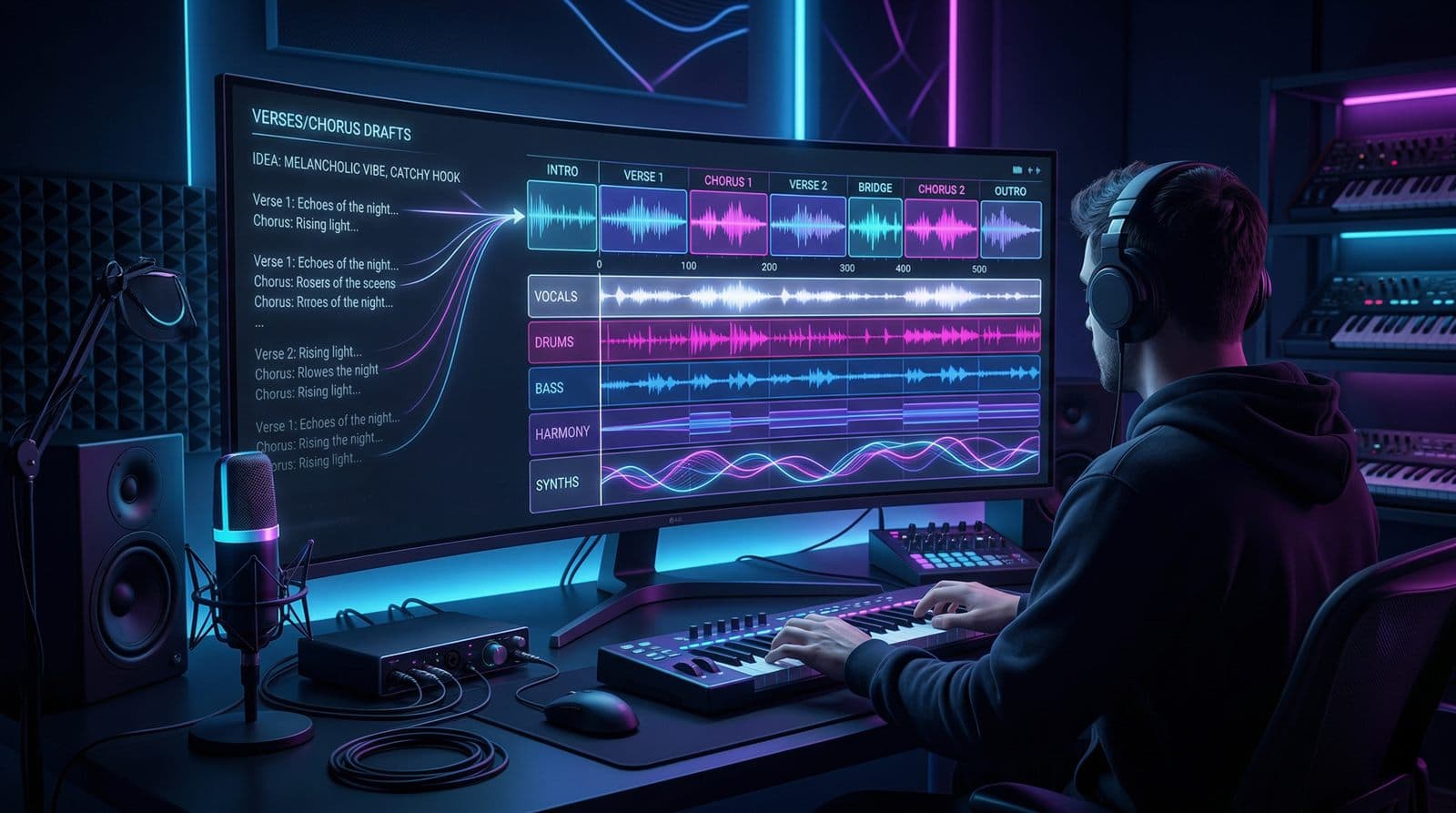
What this AI song generator is built for
Use this page when you need more than a quick first draft. Describe the idea, paste rough lyrics, or outline a scene, then generate a complete vocal song you can evaluate and refine. Simple Mode bundles lyrics and production in one pass, while Custom Mode separates lyric and style decisions for tighter control. Instead of isolated fragments, you get a full version you can extend, stem, and iterate inside a broader production workflow.
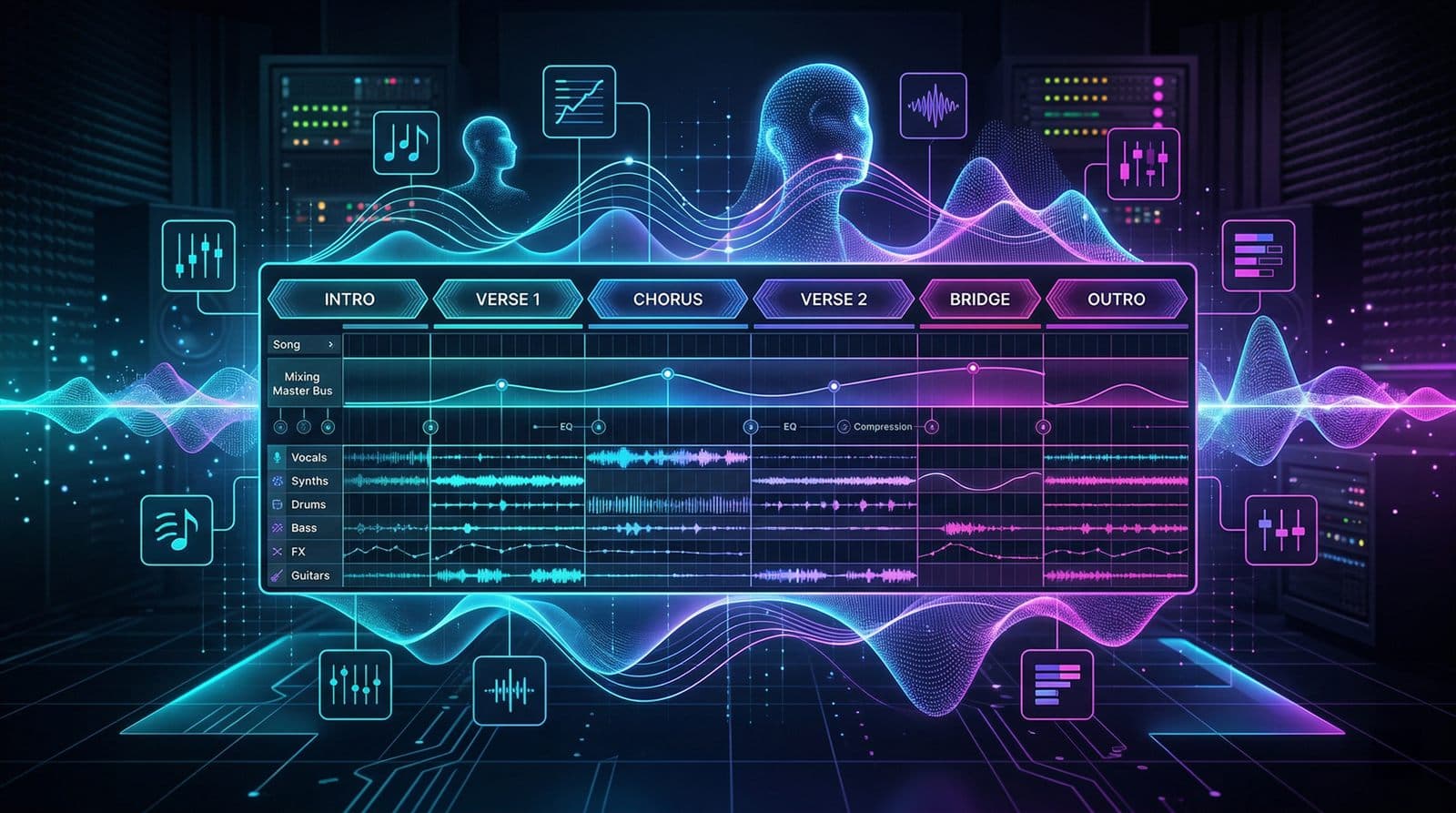
What you can create
- •Complete songs with sections, melody, and arrangement
- •Vocals shaped around your concept or lyric draft
- •Songs that feel like demos, pitches, or starting masters
- •Genre-aware results guided by your prompt
- •Tracks you can refine further with extension or separation tools
Who this main workflow fits
For creators with a strong concept
If you know the emotional target or story but not the arrangement yet, this workflow closes that gap fast.
For lyric-first songwriters
Paste an unfinished lyric draft and hear how it lands as a full song before you commit to further writing or recording.
For campaign and content teams
Generate custom songs for launches, videos, or creative concepts without waiting on a full production cycle.
For gift songs and personal moments
Turn a shared memory, inside joke, or short story into a song that feels personal enough to keep.
How people use it
Alex · Video Creator
"I had the chorus idea but nothing else. WriteSong.AI gave me a full first version fast enough that I could decide what was worth keeping."
Sarah · Aspiring Songwriter
"I used a rough lyric draft and finally heard the emotional direction instead of guessing at it on paper."
David · Game Designer
"For story scenes and trailers, a finished song gives us stronger emotional reference points than a short music sketch."
Emma · Parent
"I turned a family memory into a birthday song in one evening. That is exactly the kind of thing I wanted this tool for."
Build an instrumental first
Start from atmosphere and scene-building when the vocal song is not clear yet.
Open Text to MusicDraft lyrics before the song
Use the lyrics generator when you want stronger words before you generate the track.
Write lyricsRefine finished outputs
Extend promising songs or separate stems when you want more control after generation.
See music toolsStart from instrumental ideas
If the project needs mood and pacing before vocals, switch to the instrumental workflow.
Go to Text to MusicFrequently Asked Questions
This page is the AI Song Generator for full vocal songs. Text to Music is for instrumentals—atmosphere, scoring, and beds without lead vocals.
No. The workflow is designed for creators who can describe what they want without building the song manually.
Commercial rights apply only to tracks generated during an active annual subscription term (Starter Annual or Plus Annual), as described in the license and terms pages.
You can guide the style, mood, idea, vocal direction, and lyrical content through your prompt and input choices.
Yes. Each generation is created from the information and direction you provide in that request.
Yes. You can extend strong outputs, download them, or use separation tools for additional editing workflows.
Generate with deeper control now
If your project needs stronger control over lyrics, style, and direction, start here and iterate toward a production-ready draft.
Create My Song